


New to selling on Pocamarket Used?
Here's how you can sell your items and fill up your wallet.
1
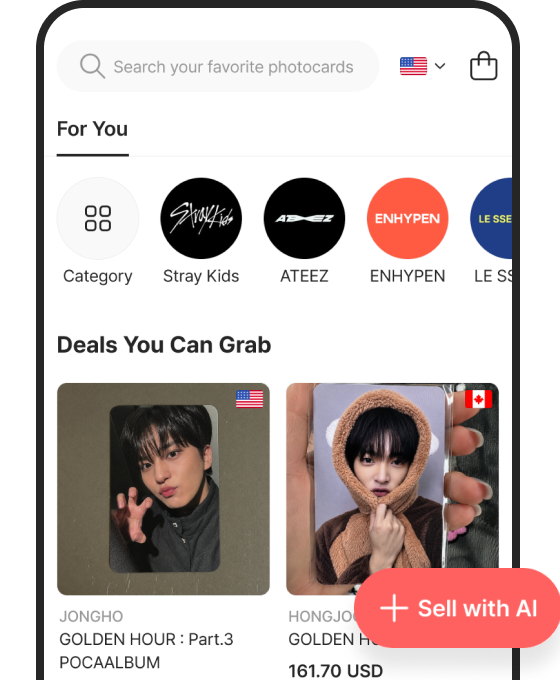
Click "+ Sell with AI" & Agree to the Terms
Tap the "+ Sell with AI" button in the bottom-right corner of Used and agree to the terms. (Sellers must be 18+.)
2
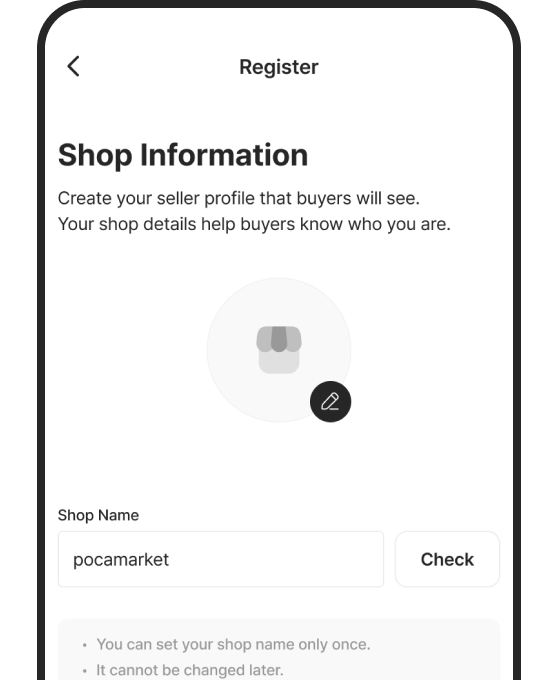
Set Your Shop & Choose Where to Sell
Customize Your Shop, then Choose to Sell Locally or Globally.
3
Search for an Item to Sell & List It
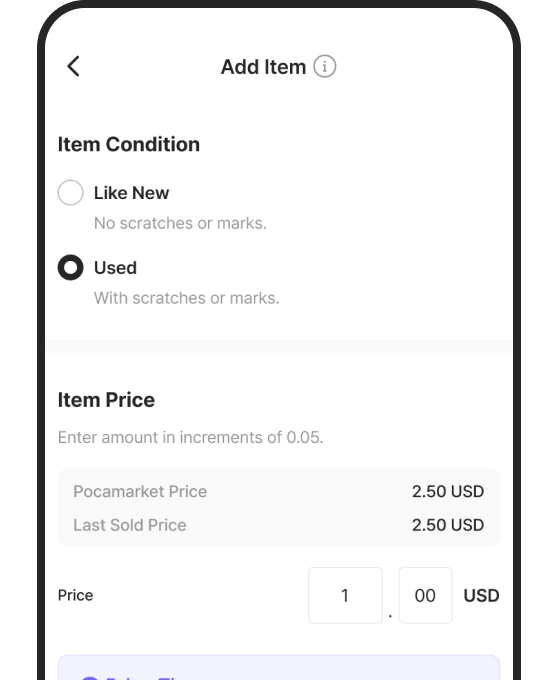
Find your photocard and compare Pocamarket Price and Last Sold Price to price it competitively and sell faster.